 Sozou
Sozou MM Carz
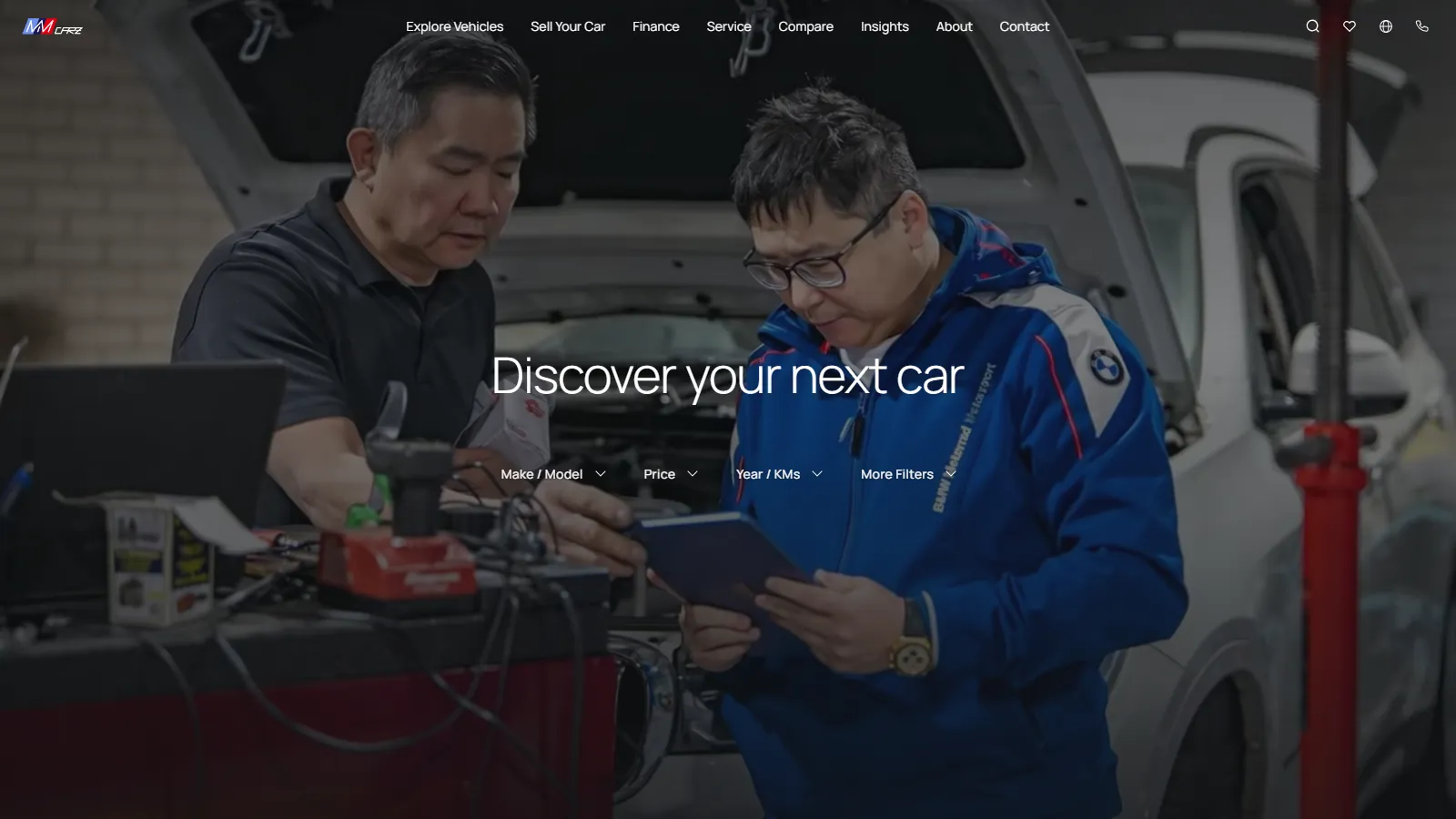
A used-car dealership in Nunawading, Melbourne.
 MM Carz Prothe staff app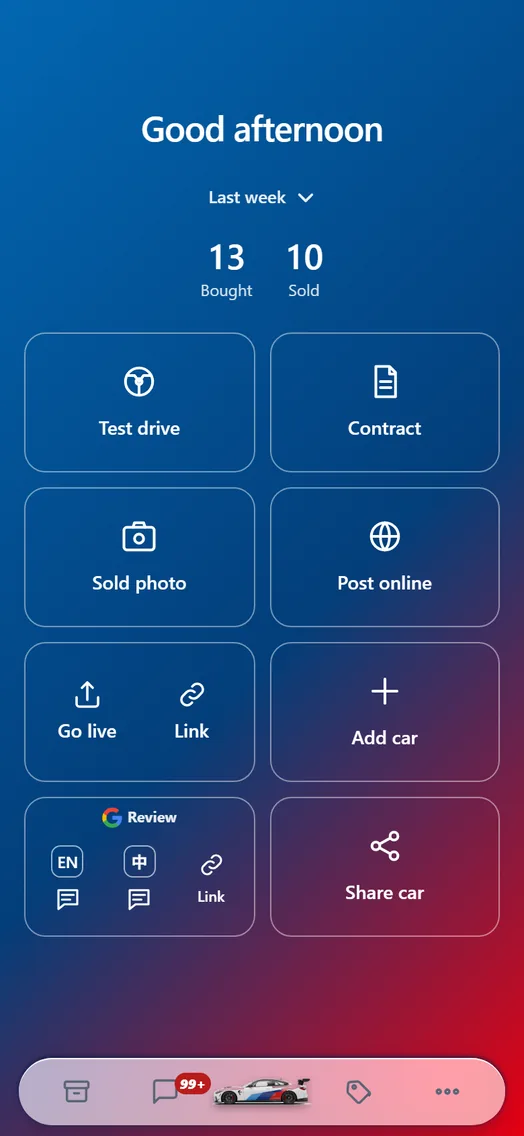
What is actually built
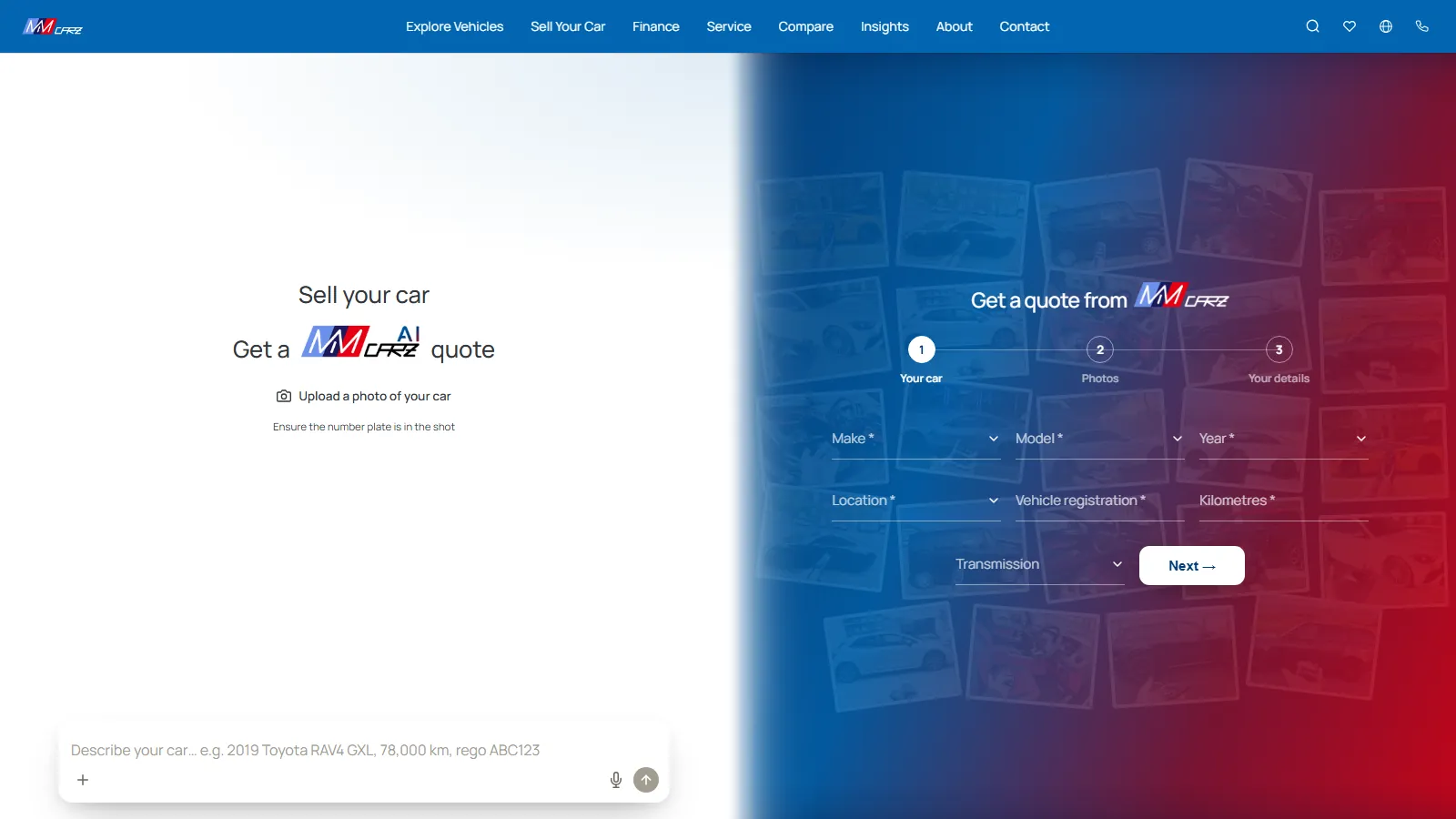
A language switcher that means it.
Not a machine-translated overlay bolted onto an English site — the interface, the vehicle detail and the assistant all move together, so a customer never lands halfway between two languages.
Michi, on the floor.
An assistant that answers questions about the stock on the lot rather than reciting a brochure. It knows what is actually there this week, because it reads the same inventory the site does.
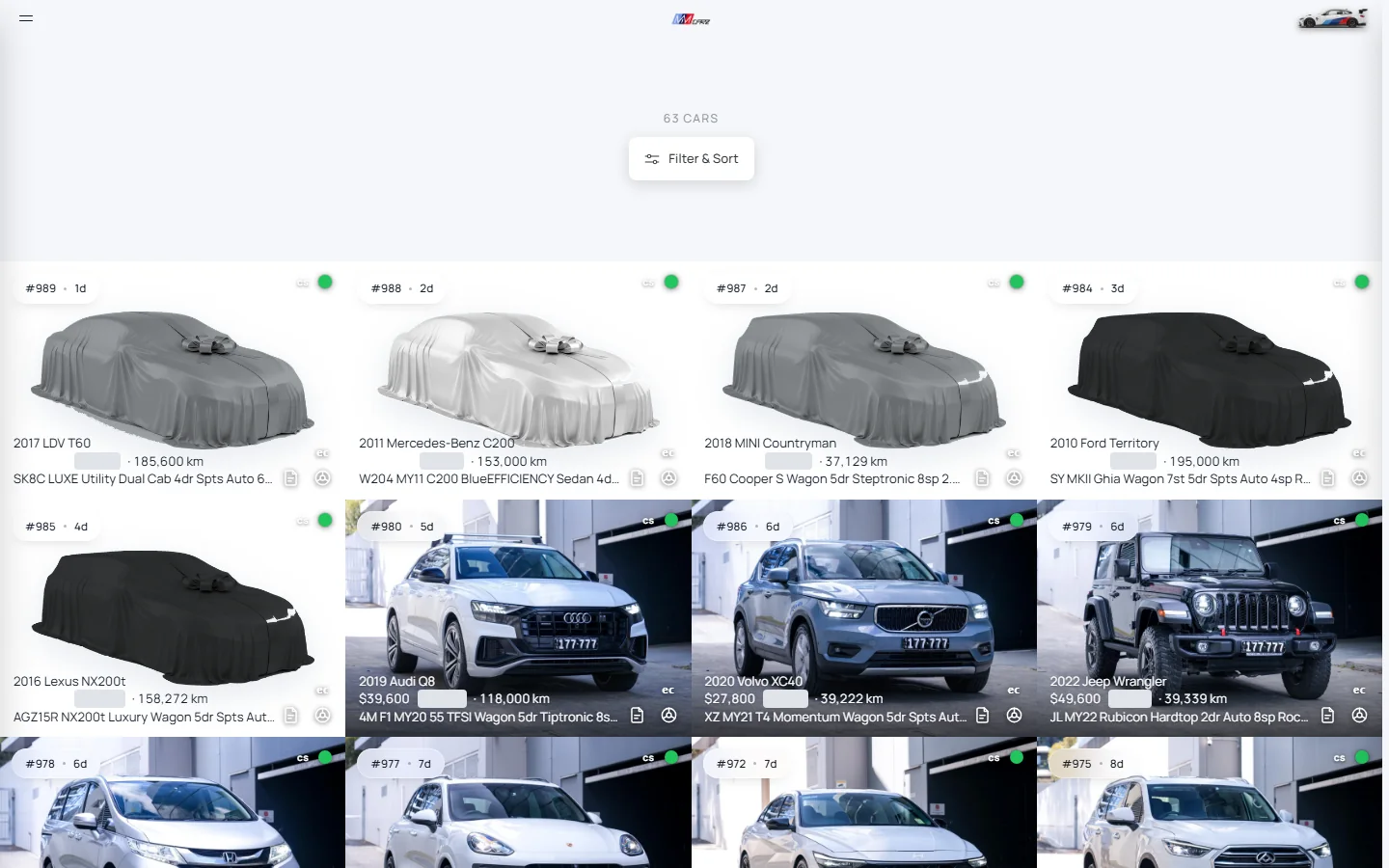
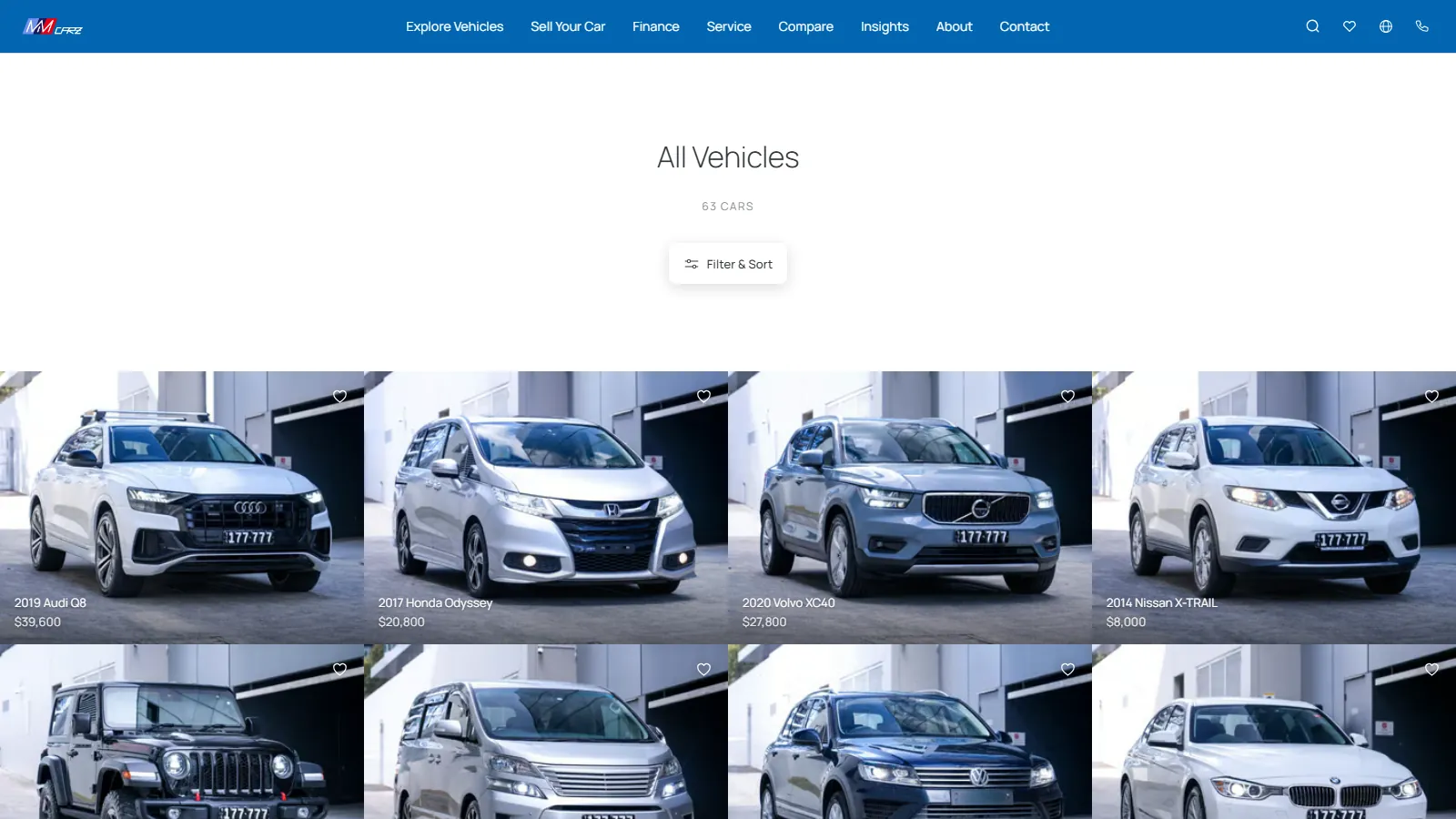
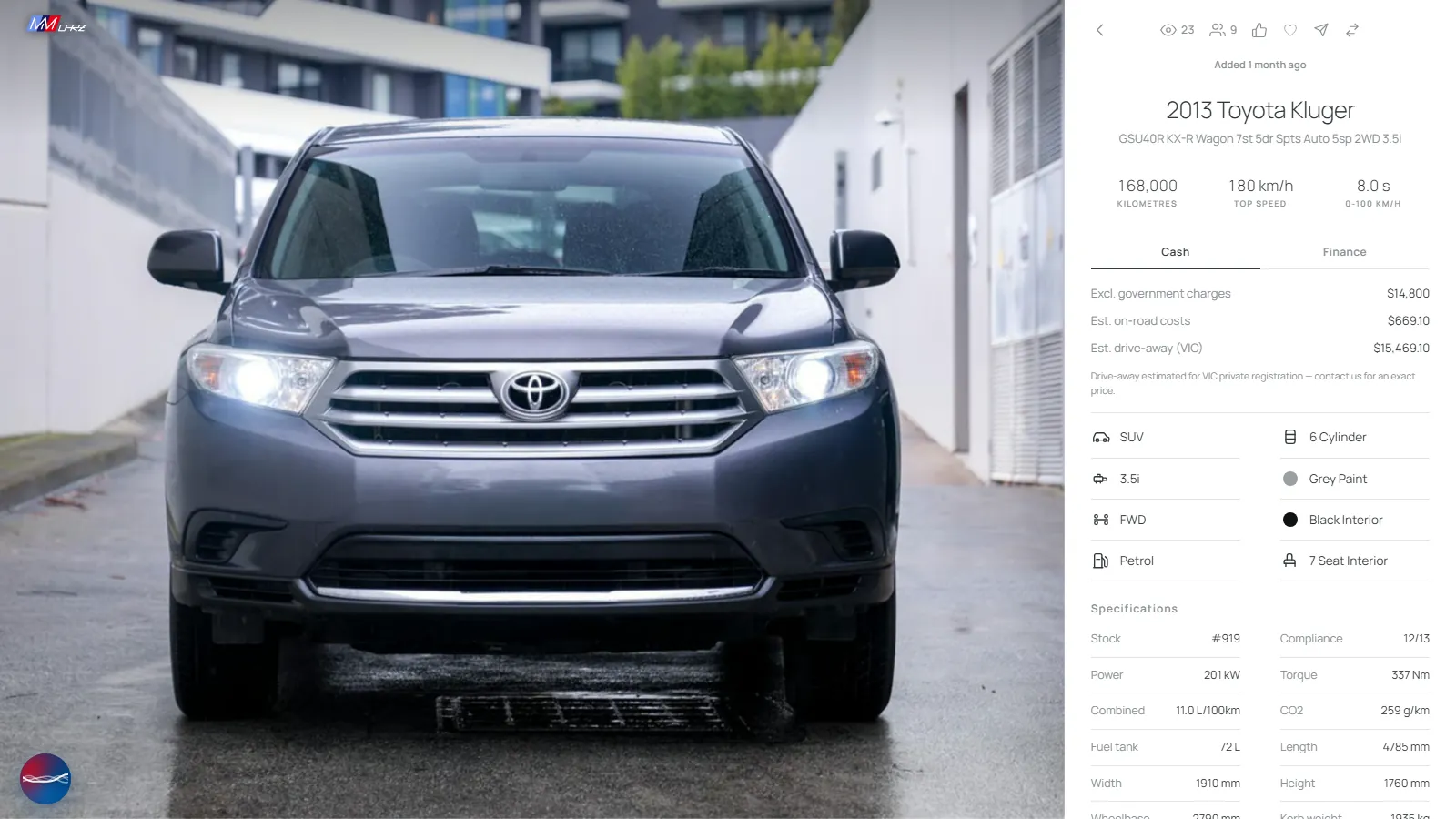
Number plates hidden.
Inventory that syncs itself.
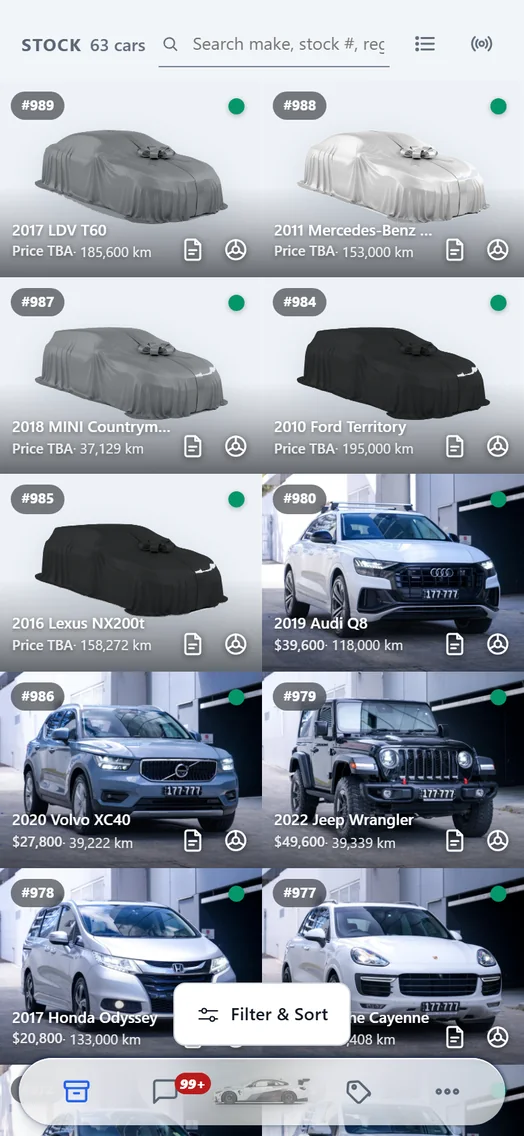
Stock changes daily at a dealership. A site that is updated by hand is out of date by Tuesday, and nothing erodes trust faster than driving across town for a car that sold on Saturday. This one updates on a schedule, without anyone remembering to do it.
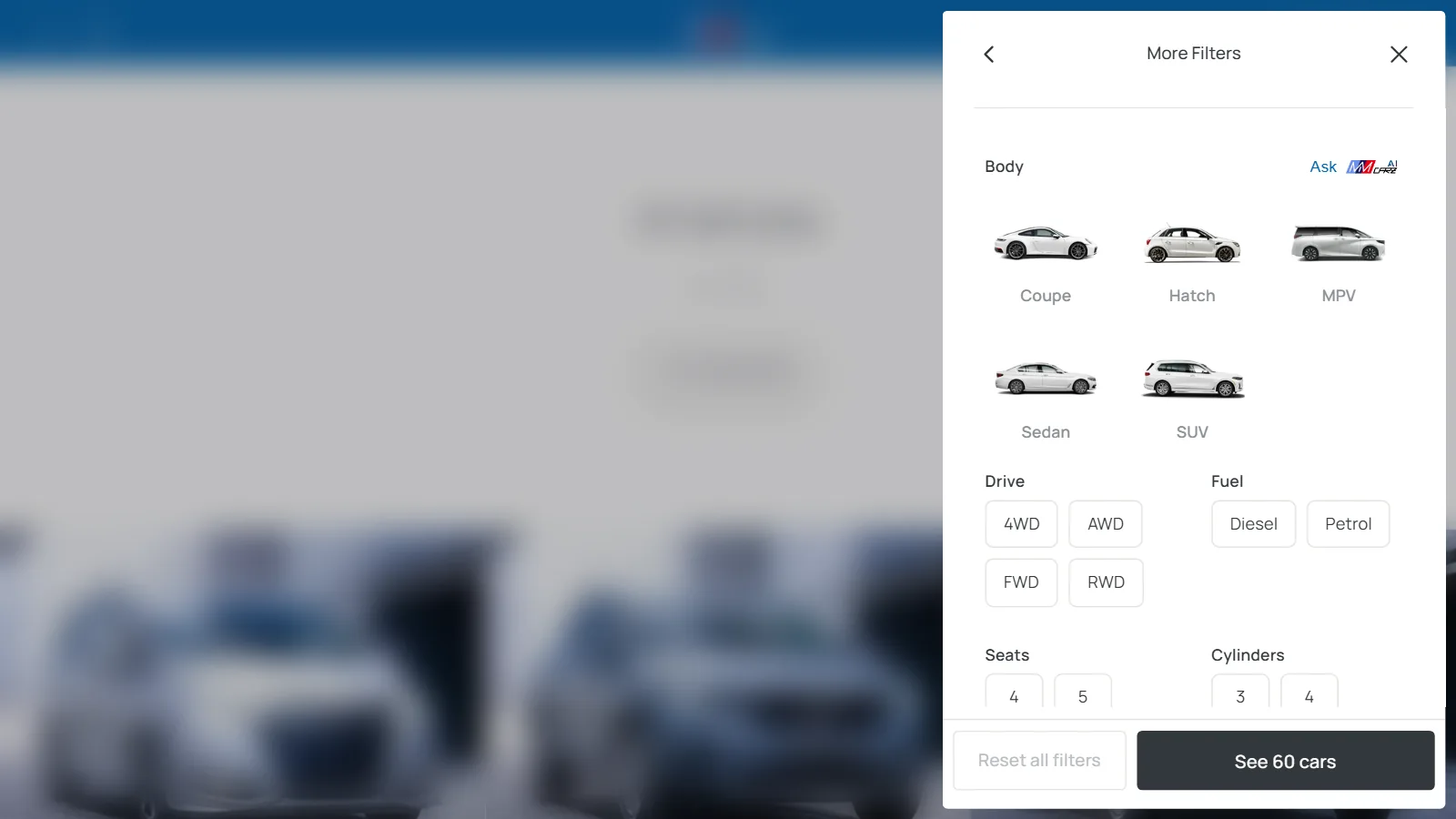
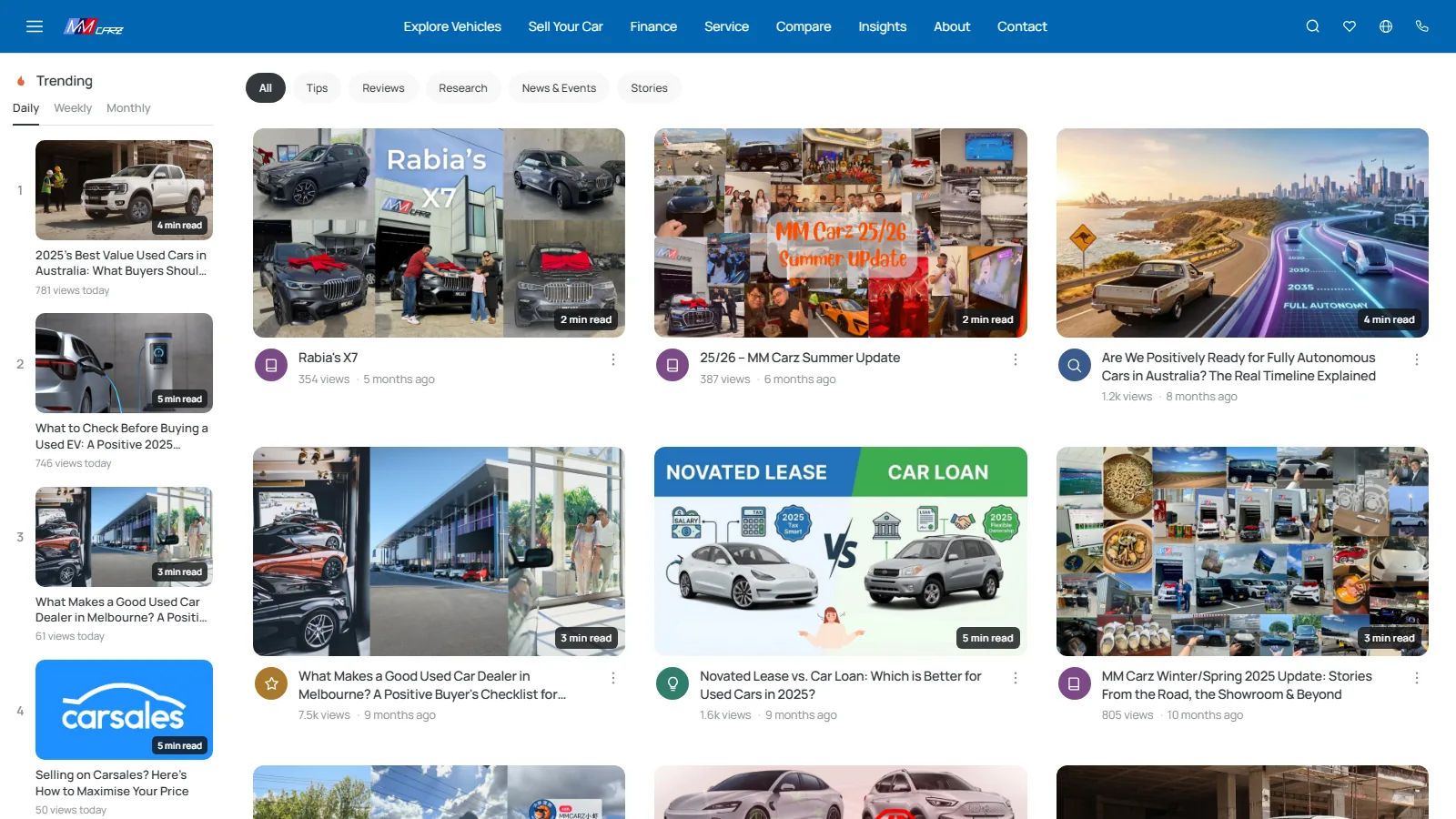
Browsing the way people actually shop.
By make when they know what they want, by body when they know the shape of their life, and by lifestyle when they only know they need something for the kids and a trailer.
Customers’ names changed.
Leads that get answered.
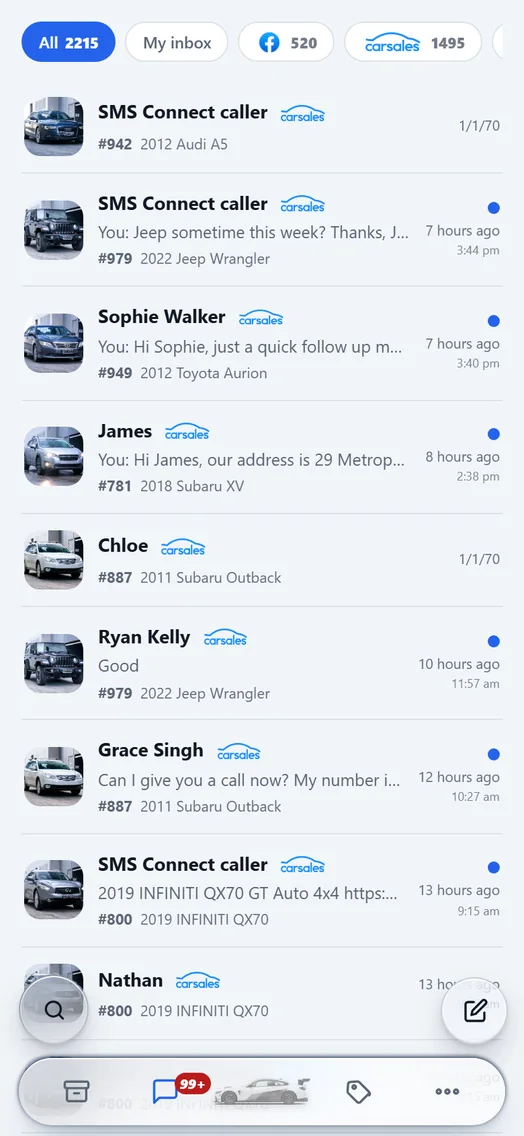
An enquiry that sits unread until Monday is a sale someone else made on Saturday. Enquiries from carsales, Facebook and the website land in one inbox on the staff’s phones, and go out as SMS, because a text gets read and an email does not.
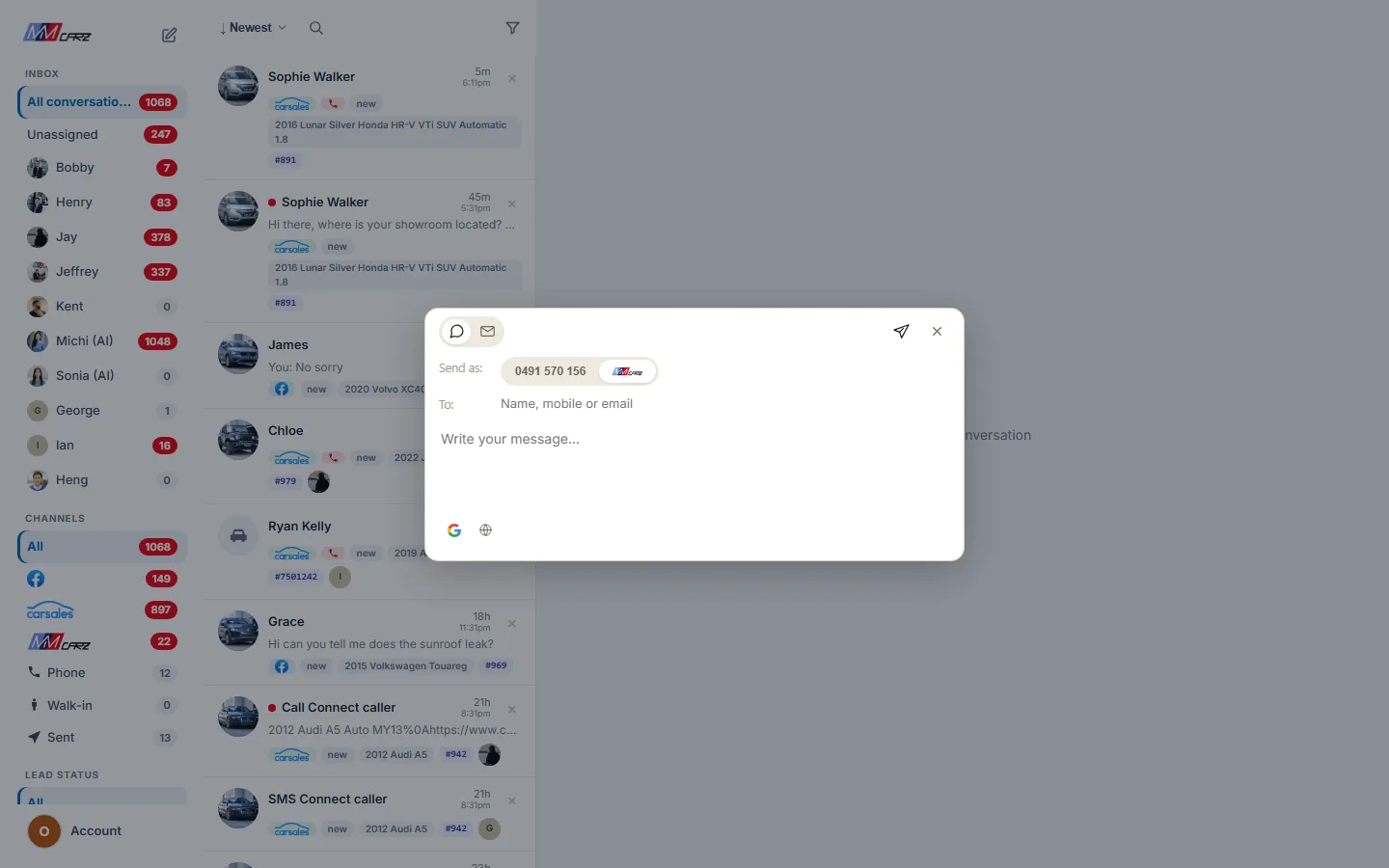
Customers’ names and phone numbers changed.
A new message, from one window.
Carsales, Facebook, the website, calls and walk-ins all land in one inbox the team shares. A new text or email goes out from the same place: one To field takes a name, a mobile or an email address, a text can come from a number customers can reply to or as a branded one-way message, and the Google review request and a translation are a tap each.
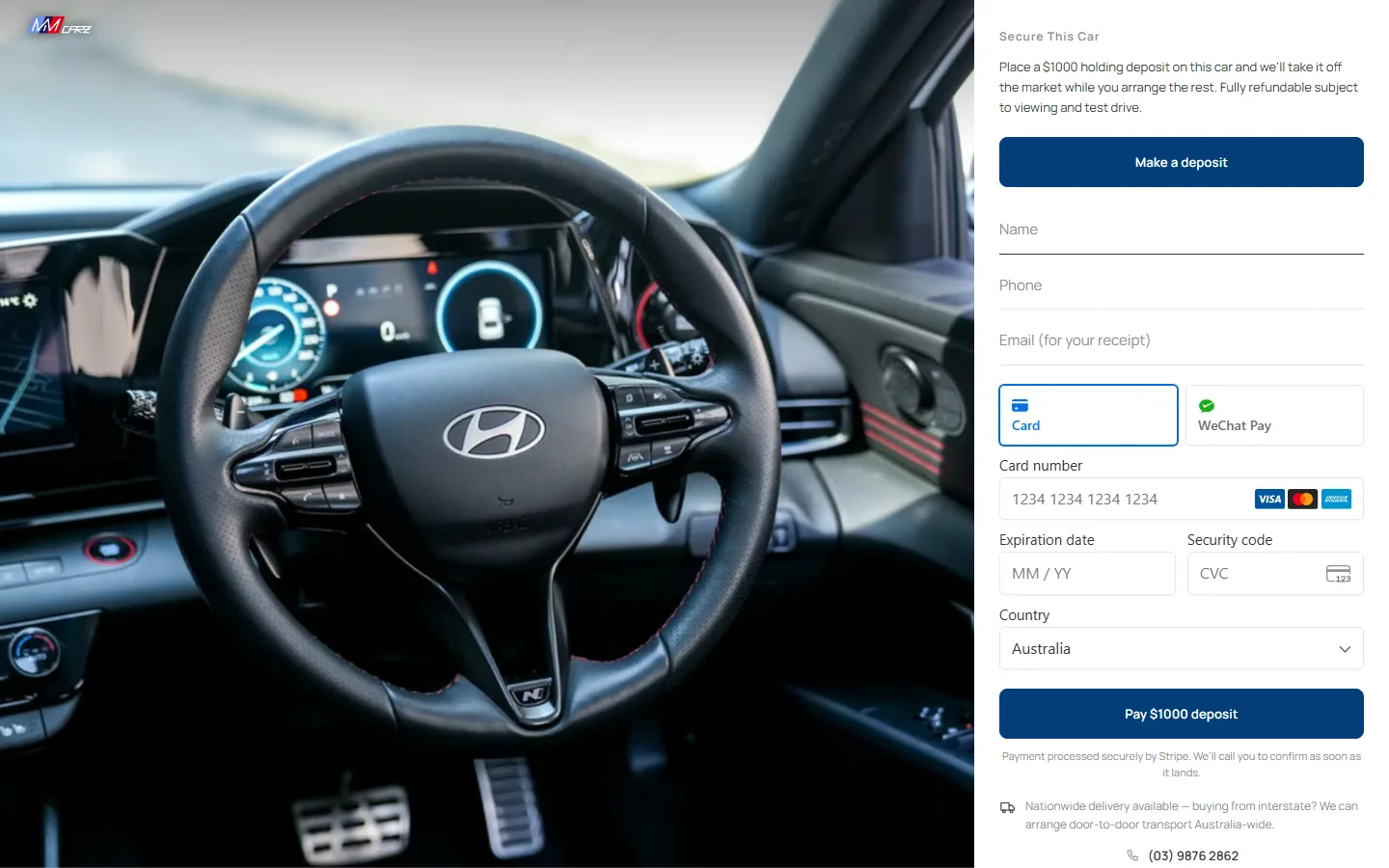
The live form on a car’s page. Nothing was paid.
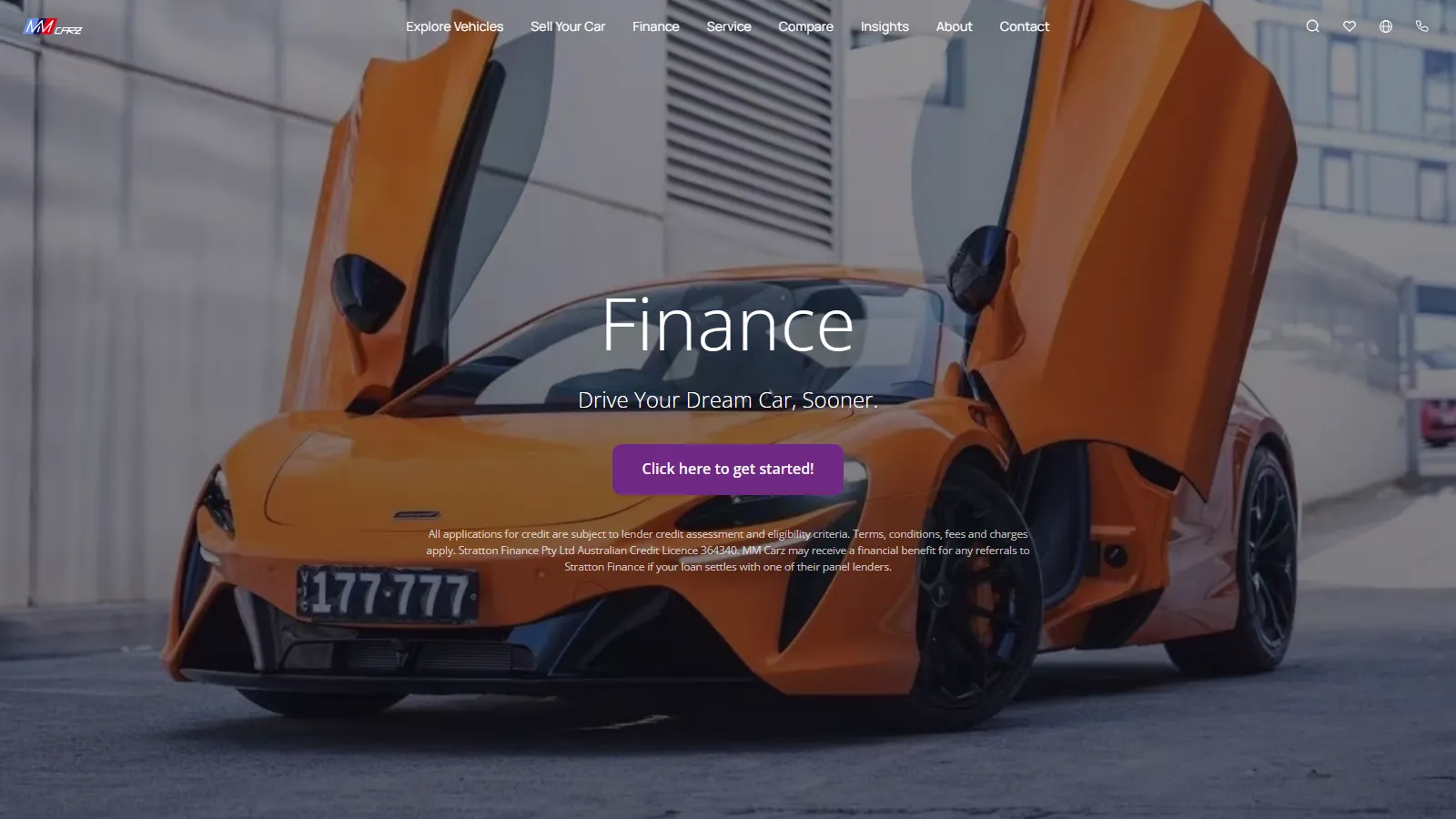
 Payments by Stripe
A deposit, paid on the car’s own page.
A buyer can hold a car without ringing anyone: a holding deposit, refundable subject to viewing and a test drive, paid by card or WeChat Pay through Stripe. The moment the money lands, the car comes off the listing sites so nobody else buys it, and Stripe’s receipt appears in the staff app on that buyer’s conversation.
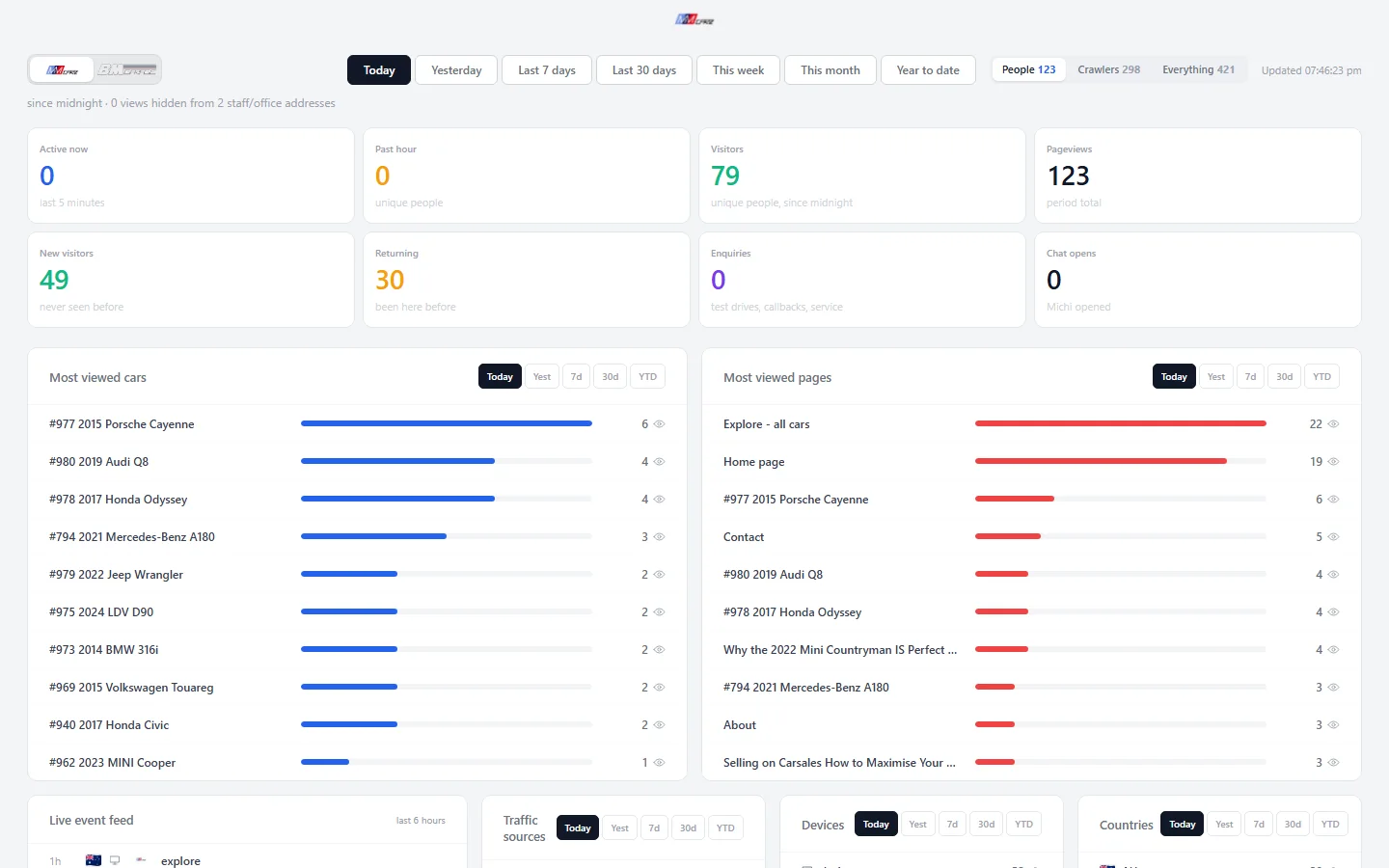
What buyers actually look at.
Which cars and pages people open, from where and on what device, updated through the day. Crawlers and the office’s own visits are counted separately, so the numbers are buyers.
A staff app that runs the lot.
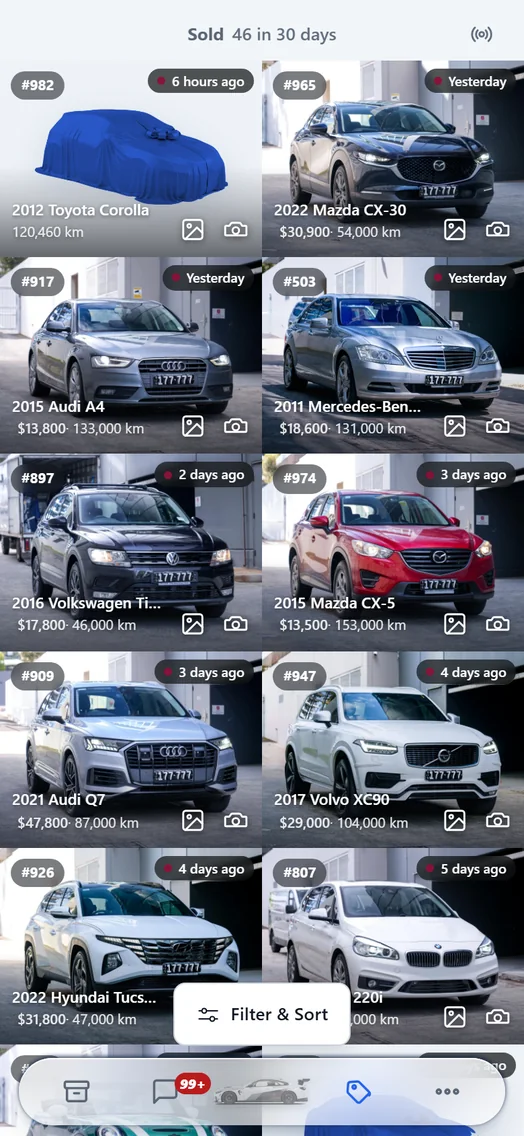
MM Carz Pro is installed on the staff’s phones: the stock and what has sold, the leads inbox, and the jobs done standing at the car — test drives, contracts, sold photos, putting a car online.
- Home
- Stock
- Sold
Live app, with the purchase value taken off the home screen.
 BM Garage
A BMW and European car workshop in Nunawading, Melbourne.
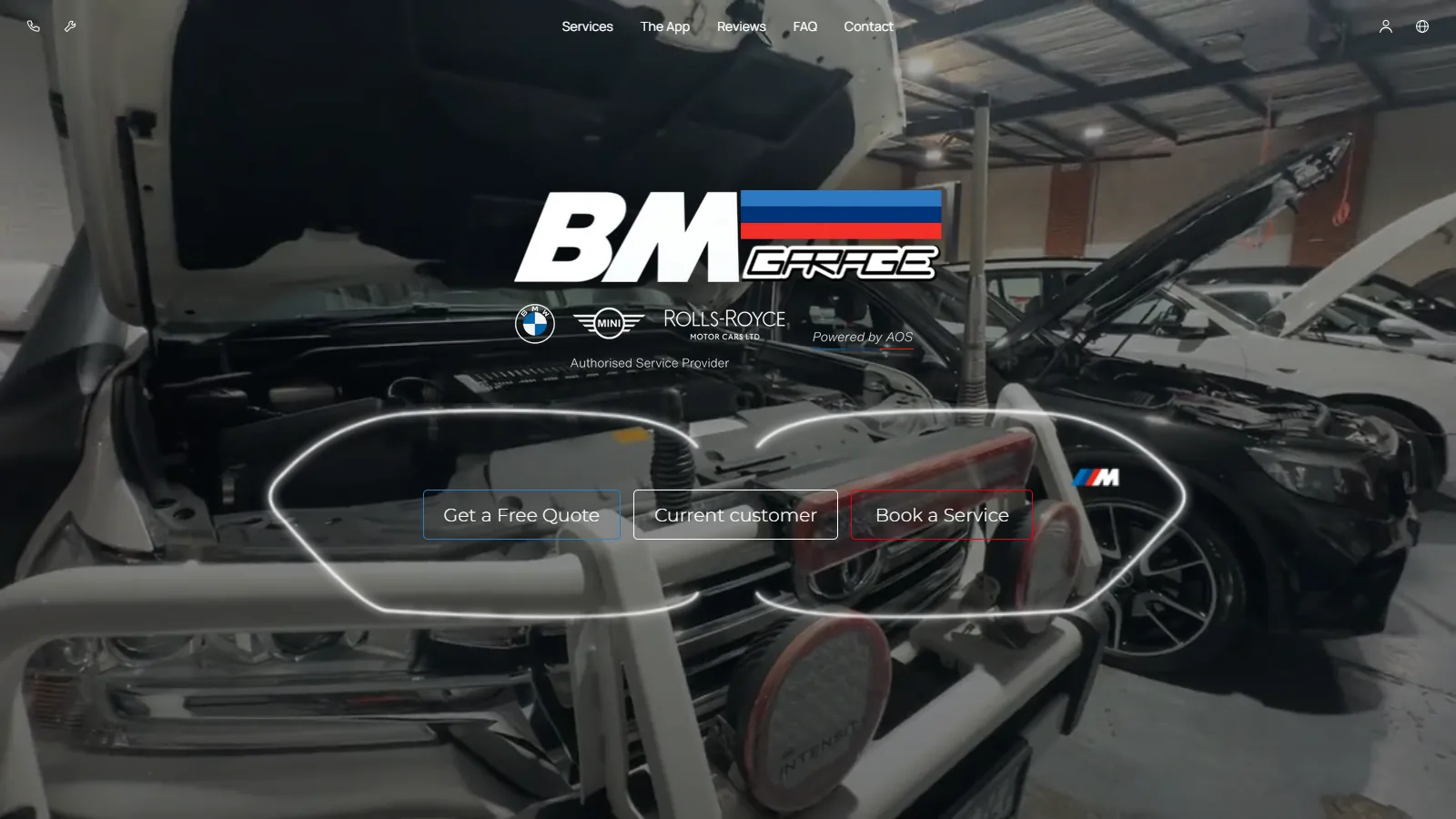
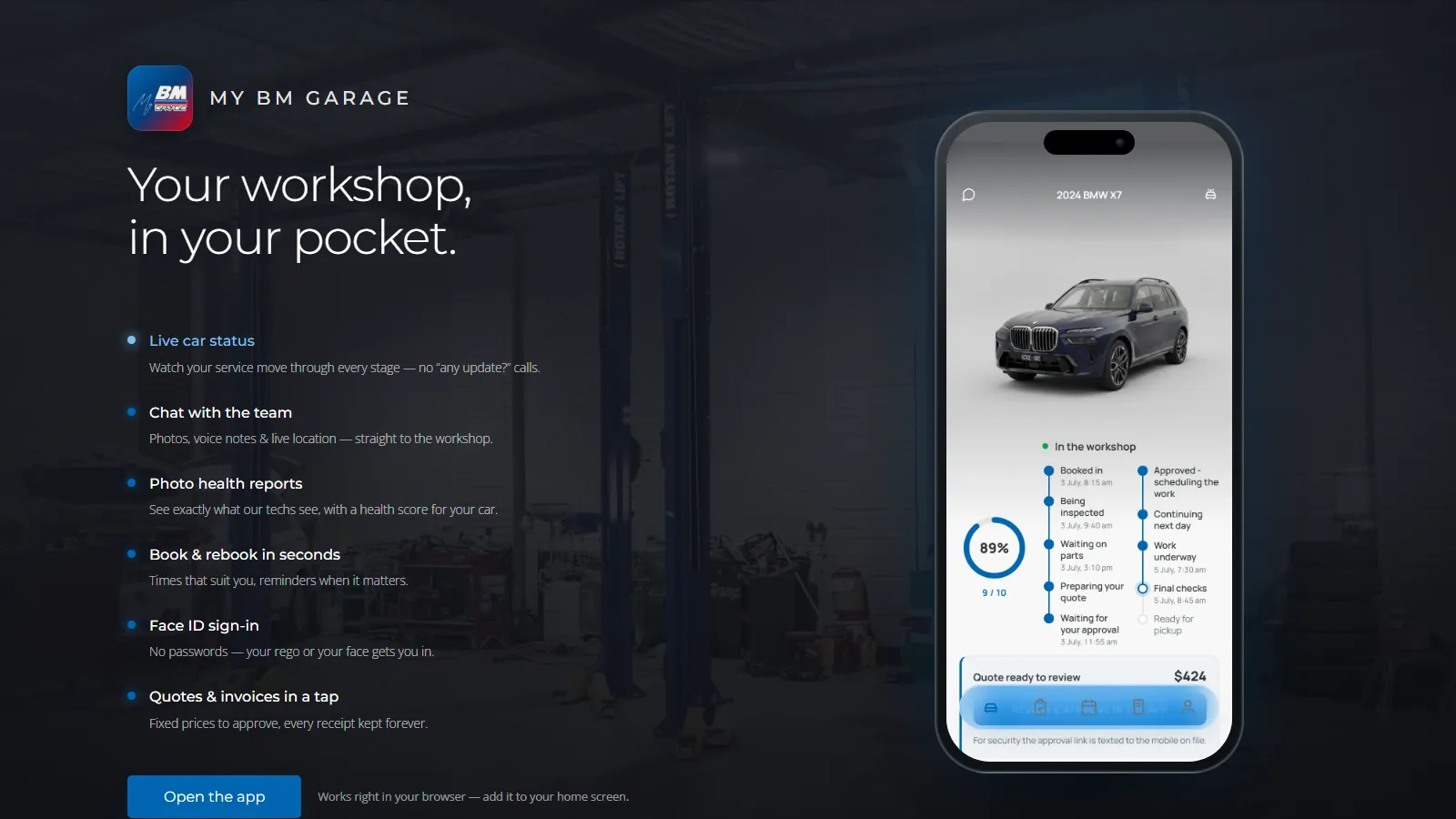
 My BM Garagethe customer app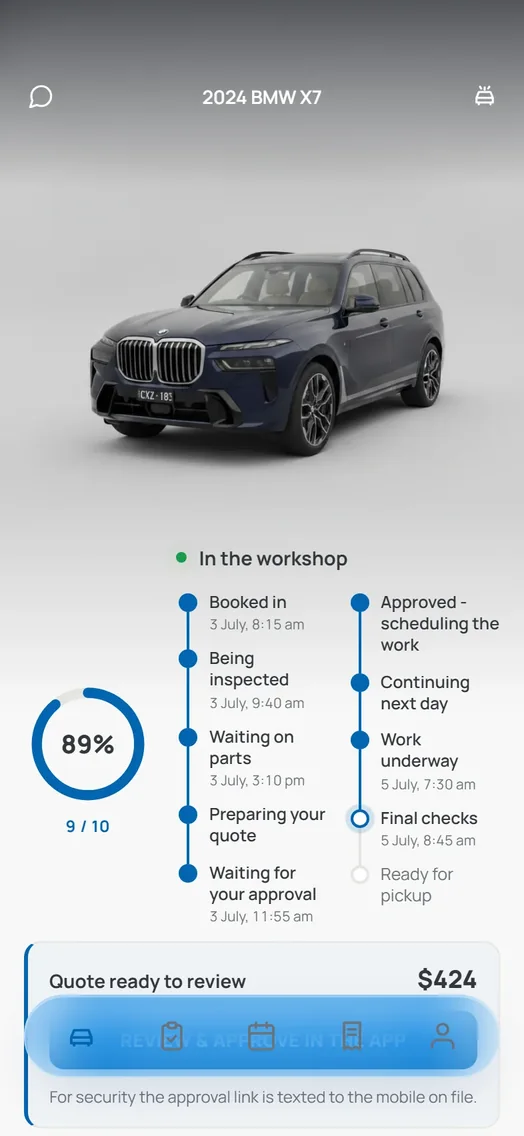
What is actually built
Nineteen languages from one button.
Most are machine translations; the main service pages were reviewed by hand in Simplified and Traditional Chinese, Cantonese, Greek and Vietnamese.

BM Garage Pro, for the workshop floor.
The staff app the workshop runs on: every car on the board from booking to pickup with its stage and its quote, the inspections with what was flagged and what the work costs, and the rest a tap away — bookings, customers, invoices, team chat, walk-ins and stock. It sits on the same phones as MM Carz Pro, and one tap switches between the two.
 Workshop
 Inspections
 More
More
Live app. Customers’ names changed, number plates hidden, car photos blurred.
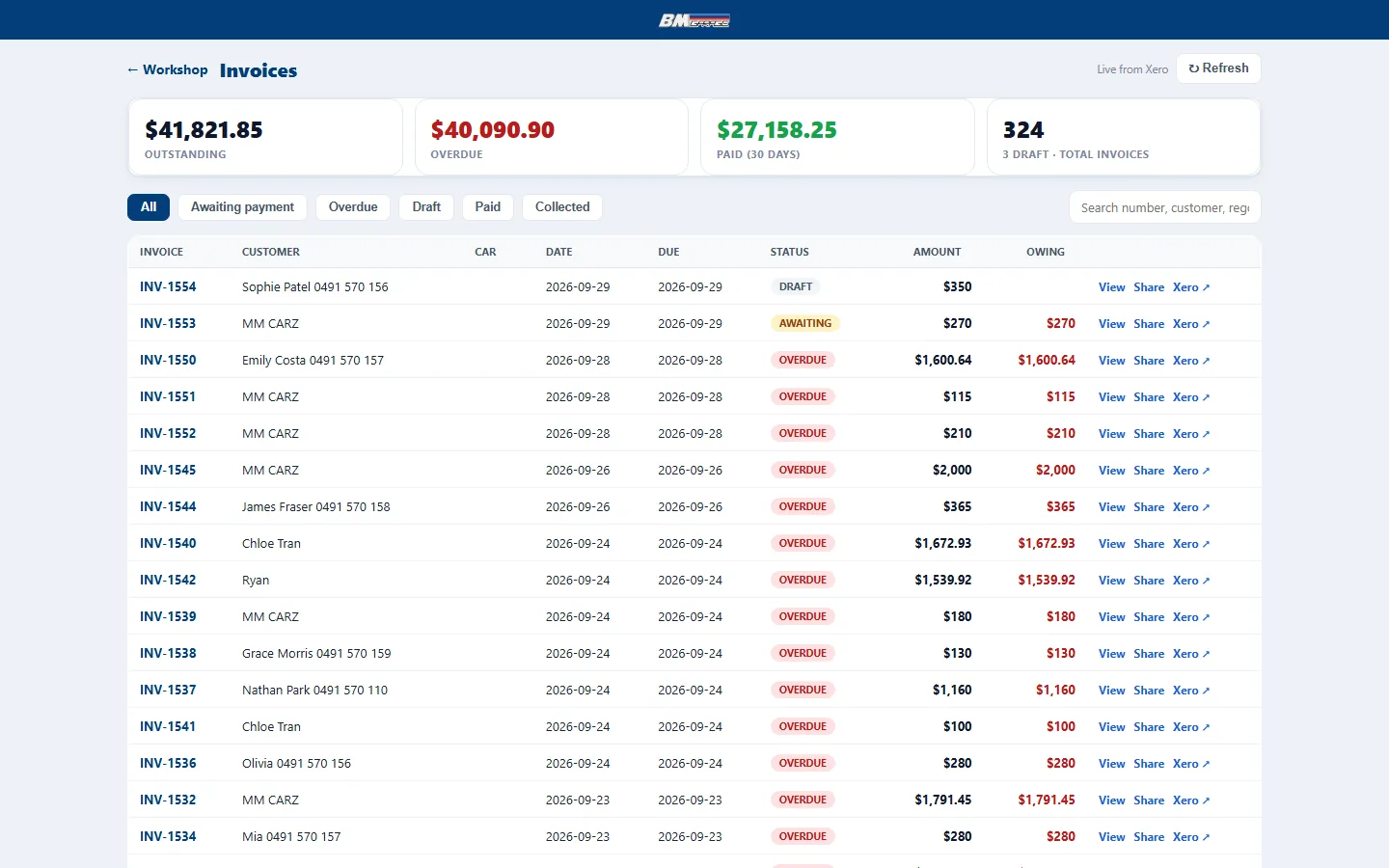
Customers’ names and phone numbers changed; the three totals are made-up figures.
 Connected to Xero
Invoices, straight from Xero.
The workshop’s invoices come live from Xero — awaiting payment, overdue, paid — and each one can be opened, sent to the customer as a link, or opened in Xero itself. Nobody copies a figure from one system into another by hand.
My BM Garage, for the customer.
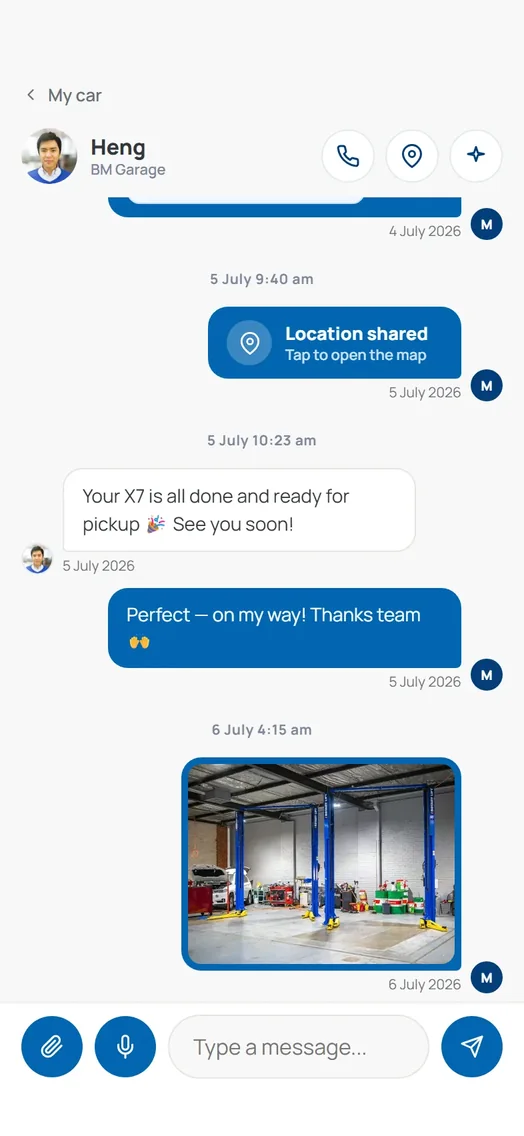
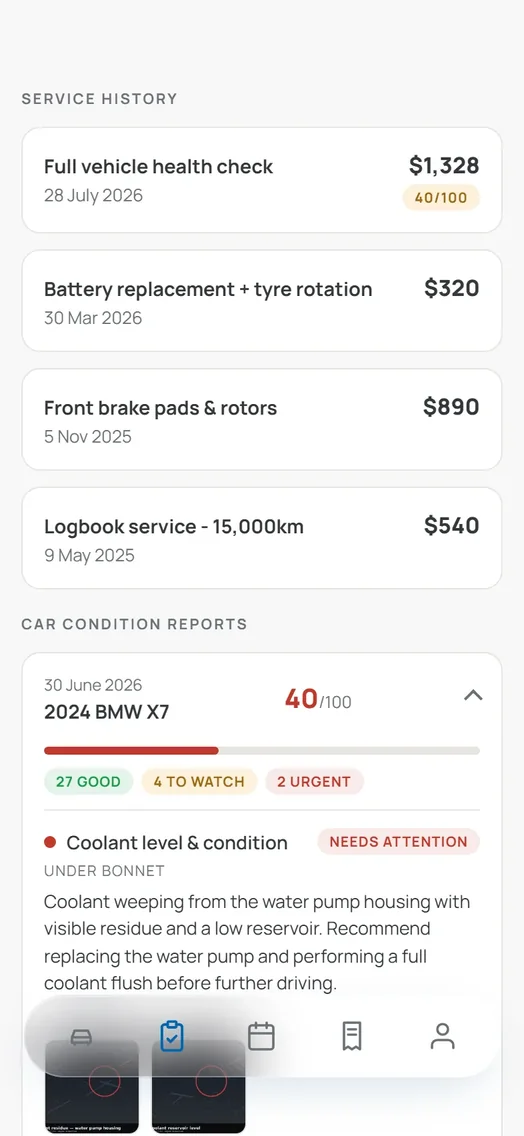
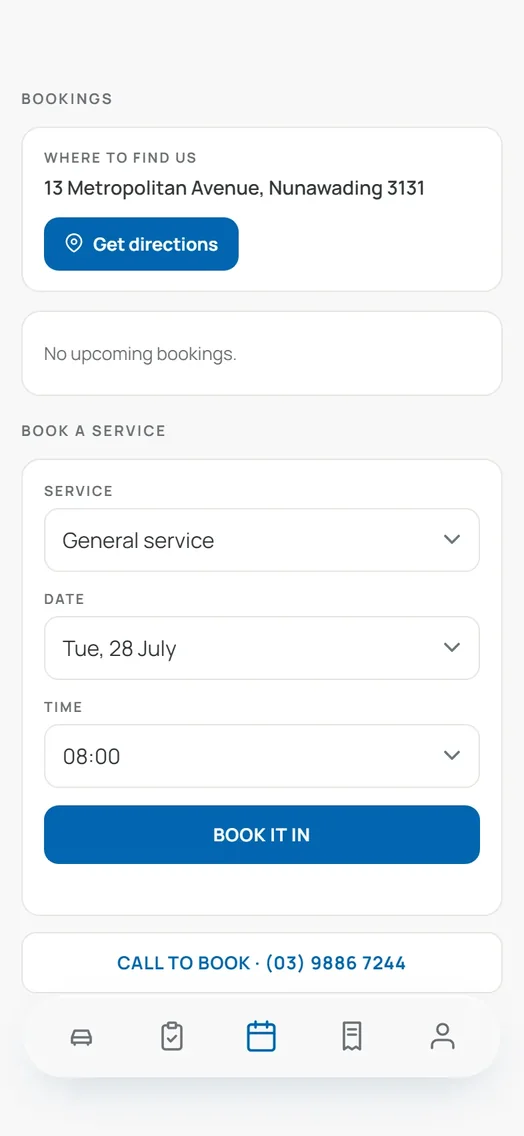
The customer’s side: the car’s progress through the workshop, messages, service history with the inspection reports, and booking.
 Sign in
- In the workshop
- Messages
- History
- Booking
The screens bmgarage.com.au publishes, shown with the workshop’s demo car.